
Placing an order on Arborlen is straightforward. Follow the steps below to select your products, choose your preferred checkout method, complete checkout, and submit payment.
Before you begin, please keep the following in mind:
-
Order processing starts only after payment has been received.
-
A confirmation email will be sent once your order has been placed successfully.
-
After signing in, you can review order status and shipment tracking through My Orders.
-
For additional delivery information, please refer to our Shipping Info page.
Step 1: Add Products to Your Cart or Buy Now
-
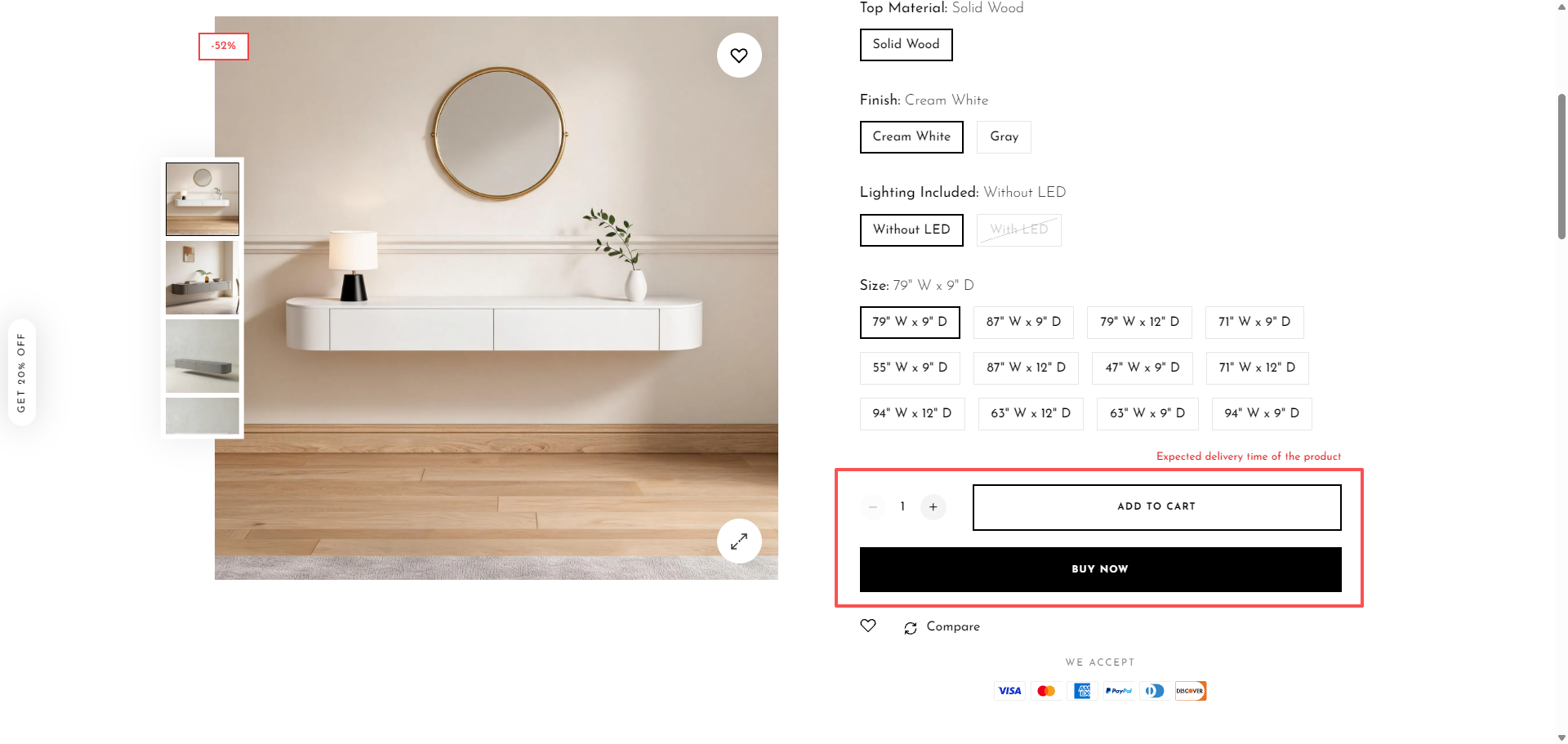
Choose the required option, color, and quantity, where applicable.
-
You can place your order in either of the following ways:
-
- Click BUY NOW to proceed directly to the checkout page and complete your order.
- Click ADD TO CART to add the product to your shopping cart.
Step 2: Review Your Cart and Proceed to Checkout
- If you choose ADD TO CART, click VIEW CART to review the products you have selected and make any necessary adjustments.
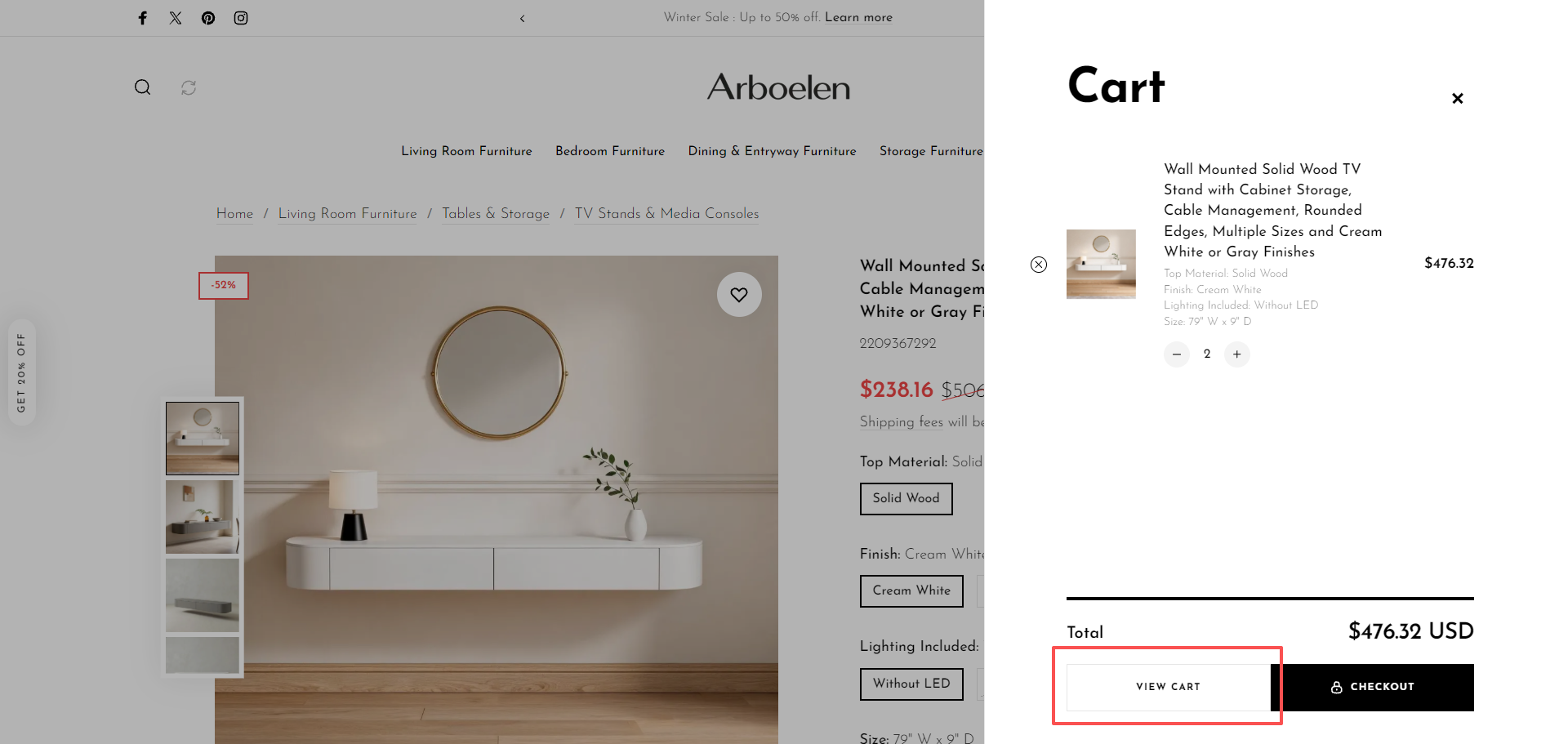
- When you are ready to place your order, click CHECKOUT from the cart popup or cart page to continue to checkout.
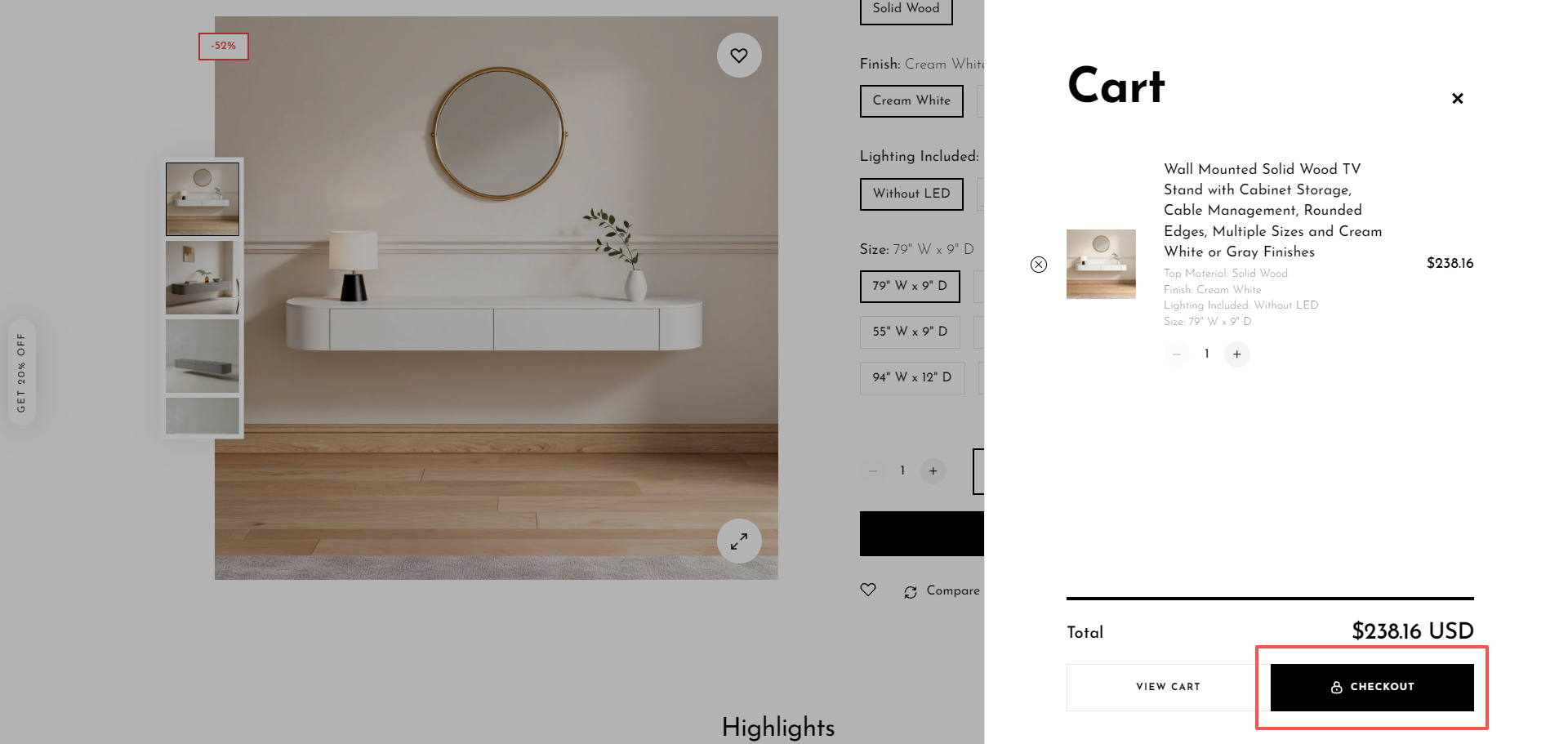
- If you would like to keep browsing instead, select “Close” icon in the upper right corner
Step 3: Sign In, Register, or Continue with Express Payment
At checkout, you can choose your preferred payment and account option:
Step 4: Enter Shipping and Billing Details
Complete the required checkout information in the following order:
-
Enter your shipping address.
-
Select the available shipping method.
-
Choose your preferred payment method.
-
Click the payment button
Congratulations on completing the order payment